How to Create Your Own Content Package in LoopMe
If you can't find a content package in the Library that meets your needs, you can create your own.
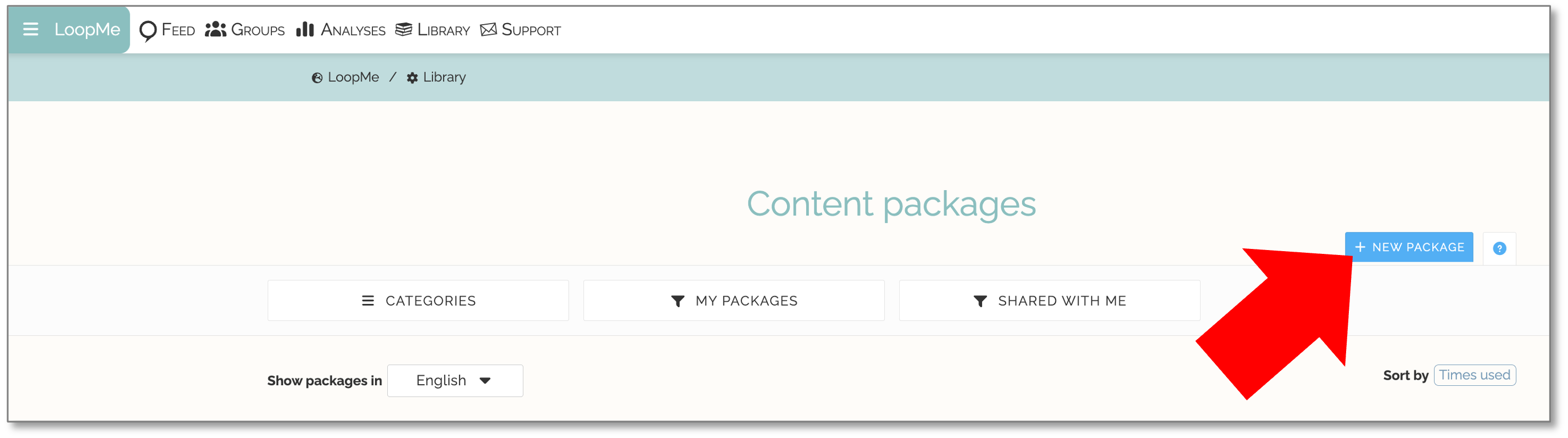
Go to the Library and make sure you are logged in.
Select New Package.
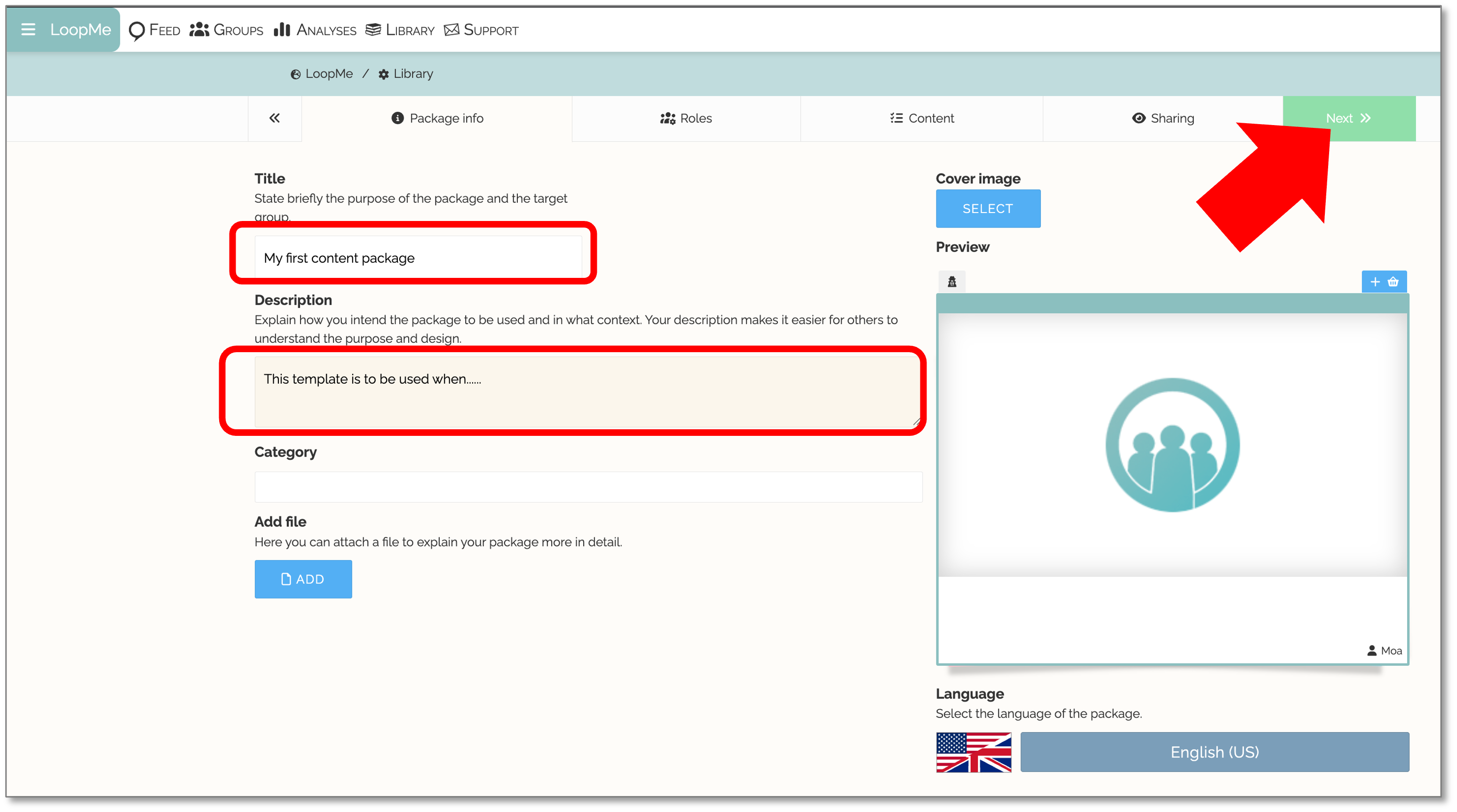
Fill in the Package Information.
Click Next
Roles
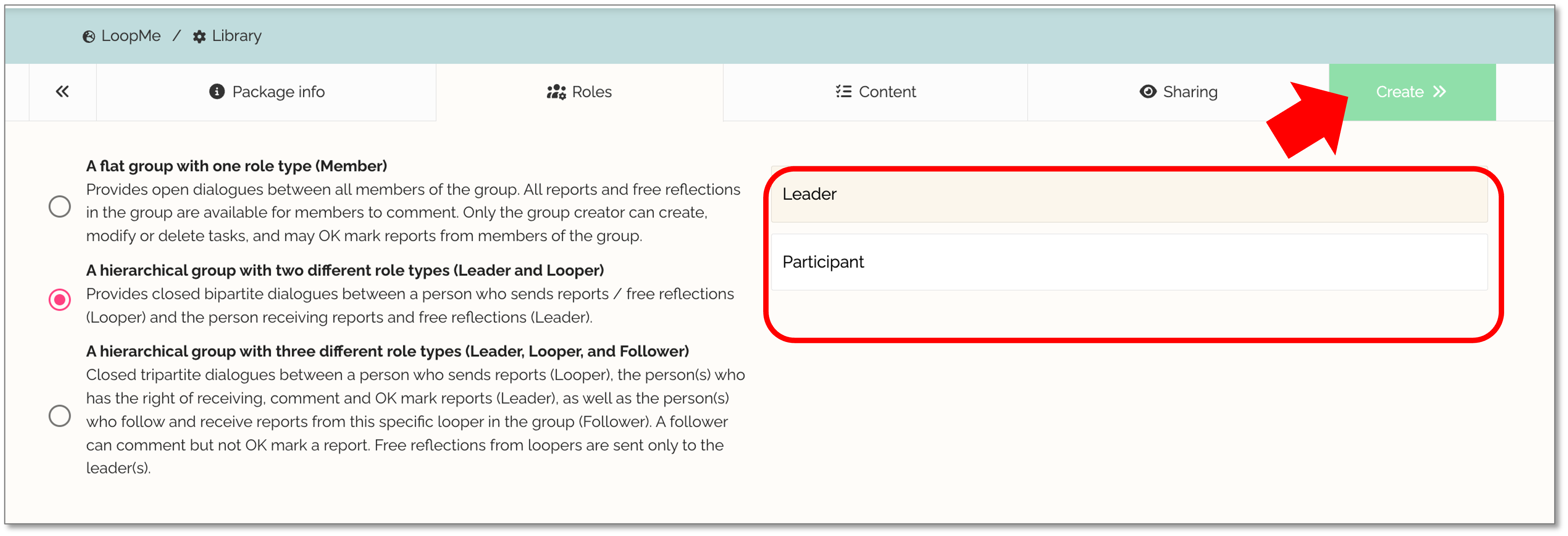
Here, you decide what type of group the package is intended for and suggest names for the different roles. The package will only be available when you create a group with the same number of roles specified here.
- Click Create
Create Your Tasks and Tags
Create your Tasks.
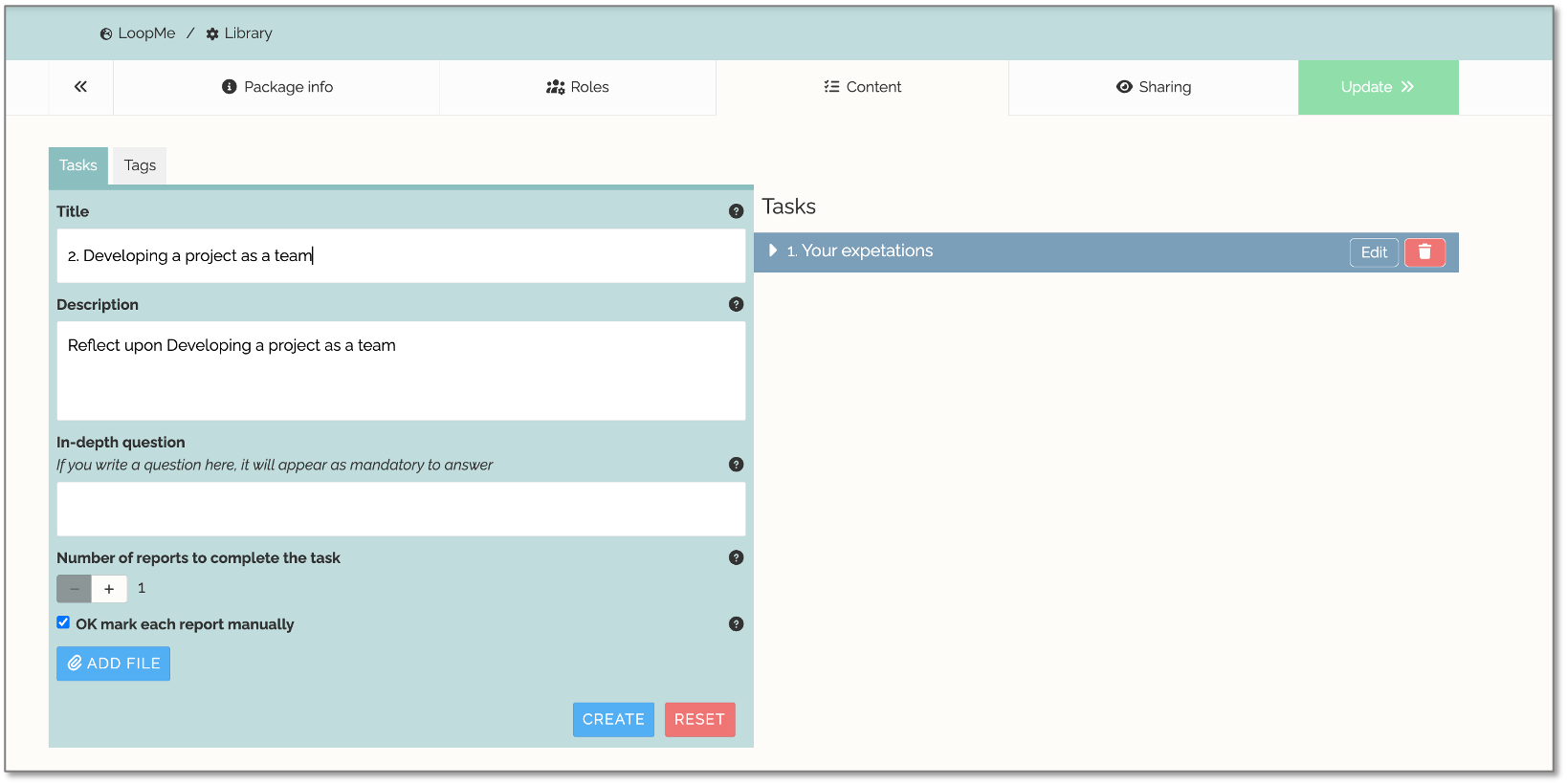
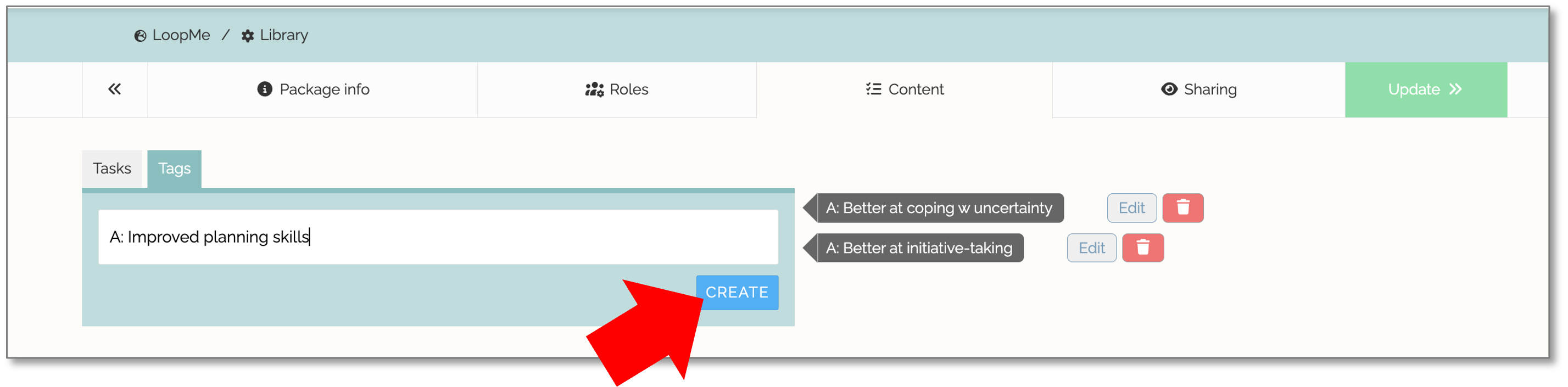
Click on the tab Tags
Create your Tags.
Avoid having too few or too many tags. Around 20–25 tags is generally a good number.
Keep tag names short (maximum 20 characters).
It is often helpful to give users the opportunity to express both positive and negative experiences.Click the button Update
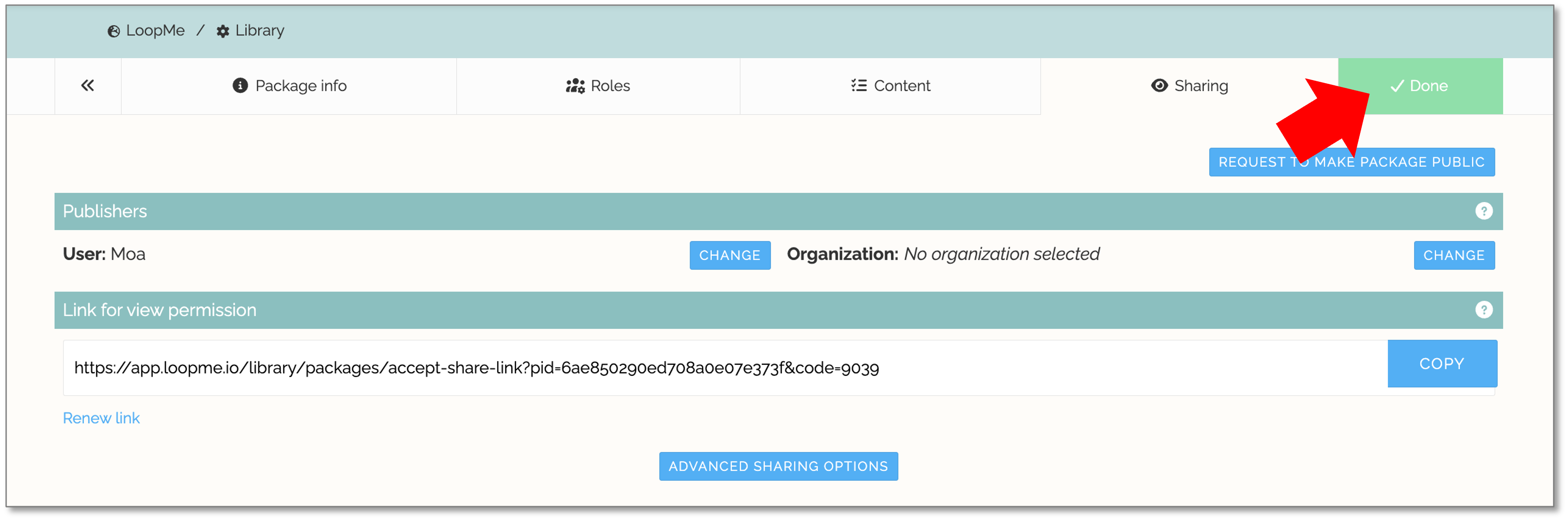
Sharing Settings
- Finally, you decide who should have access to your content package:
Only you – Keep the package private.
Your organization – Share the package with colleagues in your organization.
All LoopMe users – Make the package publicly available. - Click DONE
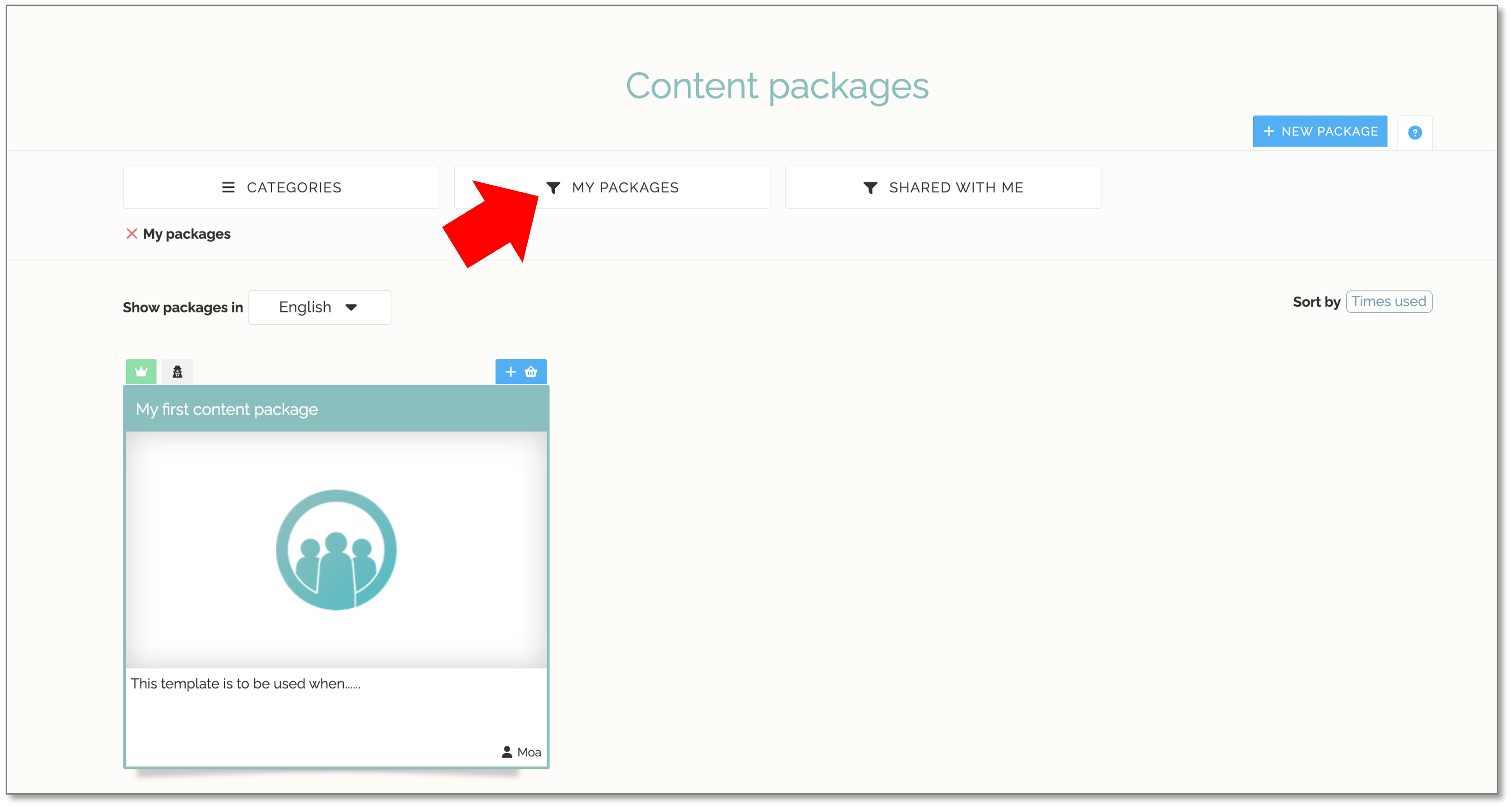
- You can find all packages you have created under MY PACKAGES.
Share a Package Within Your Organization
You can choose to share your package with everyone in your organization. Your colleagues will then find it under SHARED WITH ME. This is also where you can find packages that your colleagues have shared within your organization.
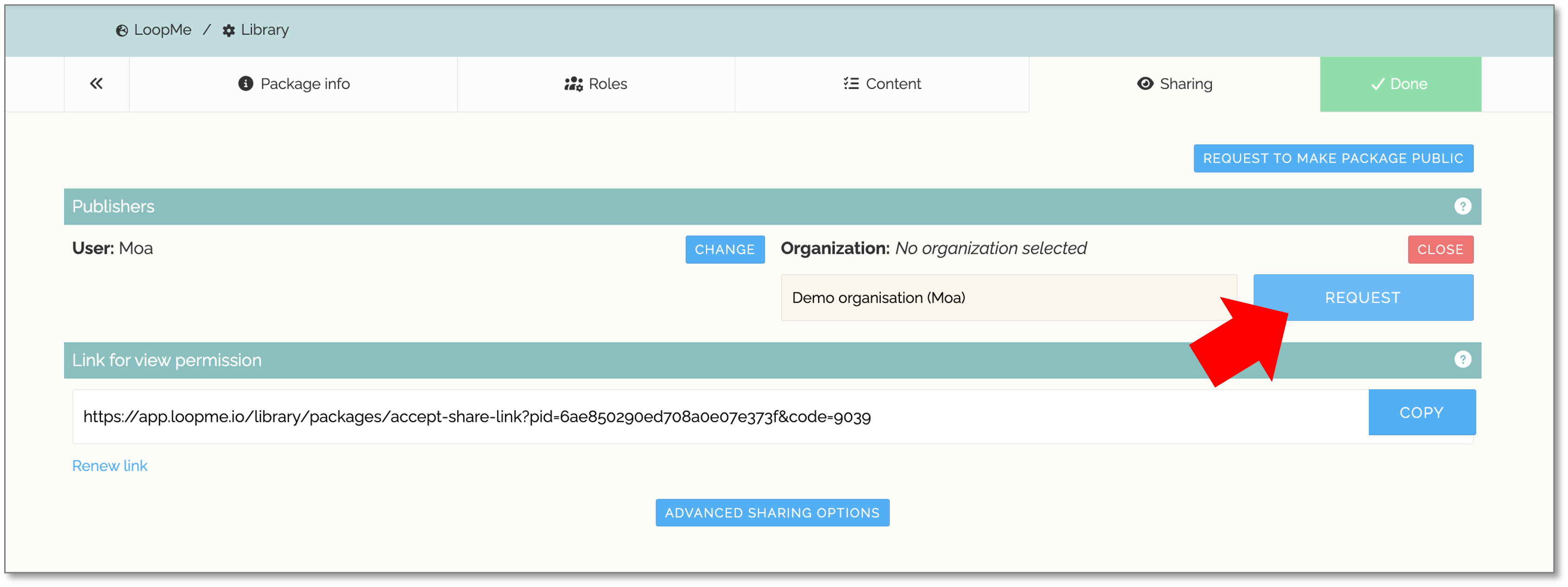
Share your package within your organization
Select your organization from the Organization dropdown menu.
Click REQUEST.
Your request will be sent to your organization's administrator for approval. Once approved, the package will be available to all group creators within your organization.
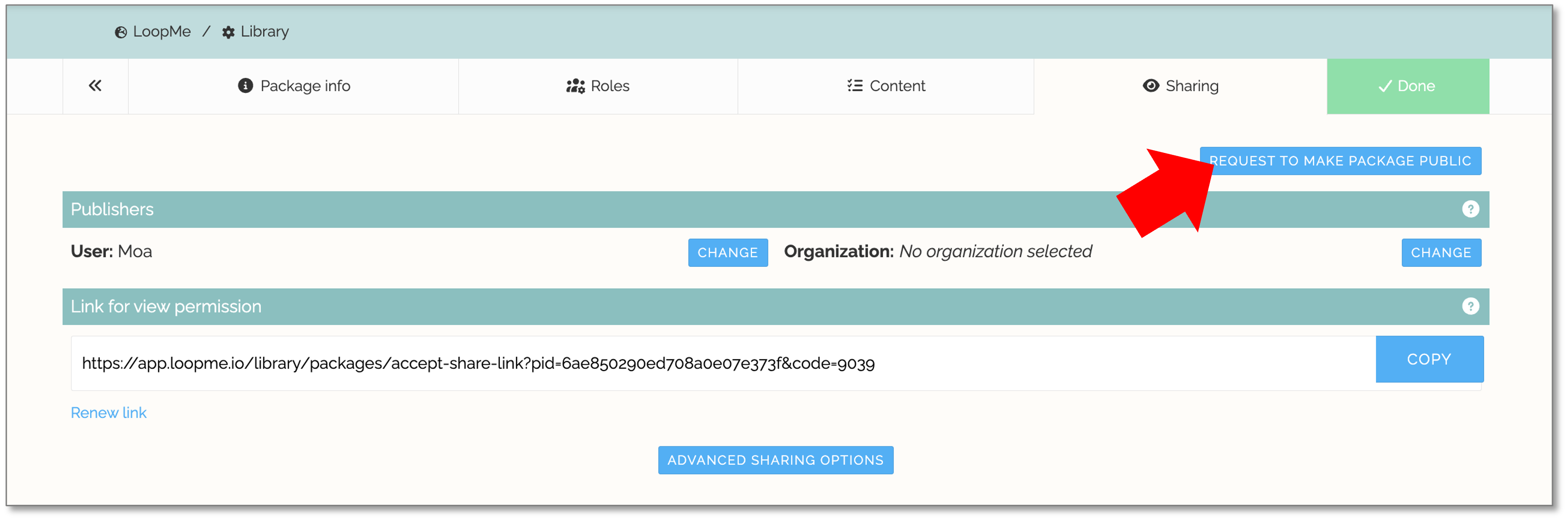
Request to Make Your Package Public
If you want to share your package with all LoopMe users, you can submit a request to make it public.
Make your package public
- Click REQUEST TO MAKE PACKAGE PUBLIC.
Your package will be submitted for review. Once approved, it will become available to all LoopMe users through the Library. Our Library Administrator will review your package to ensure that everything is in order. - Once approved and published, other users will be able to find your package by browsing or filtering under CATEGORIES in the Library.